 Fettlr
Every stage, from the first schedule to the final report.
Agent and tenant each have a role. You stay in control of every stage that matters.
The check-in schedule is created
Generate it in Fettlr directly, or upload a finished clerk's PDF - either way, reference numbers and wording are kept exactly as written.
The schedule is sent to the tenant
One link, alongside the report you already send.
Check-in disputes are flagged, if any
The tenant reviews the schedule and can raise anything that doesn't match, within a window you set - seven days by default.
Disputes are reviewed and the record is finalised
Approve, amend, and sign off. No disputes raised in the window means the schedule stands, exactly as it does with a paper report today.
The active tenancy is logged
Tenant, landlord and agent can all record damage, issues and repairs as they happen, on the same file.
Check-out is triggered
You set the window for the tenant to complete it.
Guided check-out capture
One item at a time, against the original wording. If the tenant doesn't complete it, you can step in, send it to a clerk, or upload a clerk's PDF instead.
The combined report is reviewed
Check-in, disputes, tenancy log and check-out, side by side. Approve, amend, or send back.
The report is generated
Signed if you require it, or shared straight away as a PDF, by email, or into your own system.
Three screens, one flow.
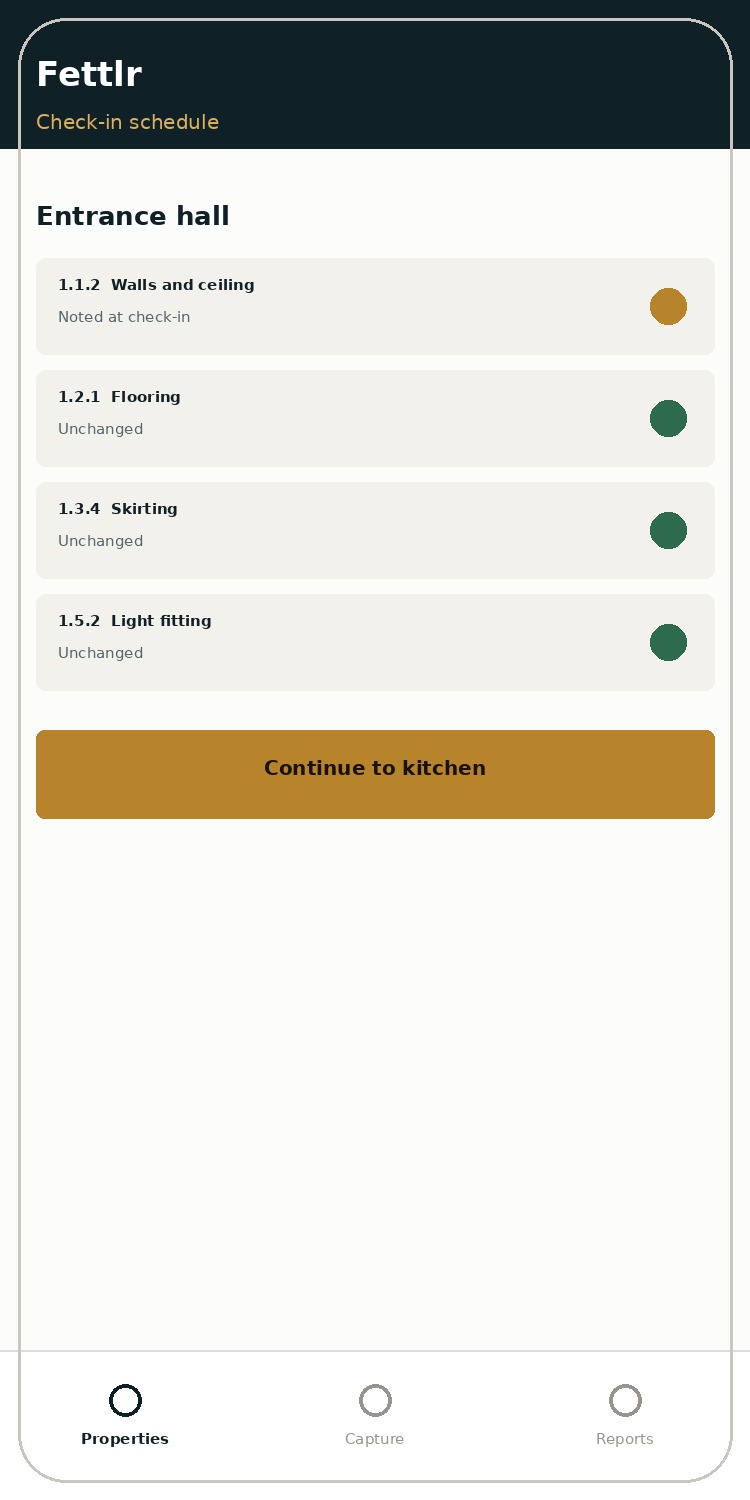
Check-in scheduleRead from the PDF, kept as a checklist.
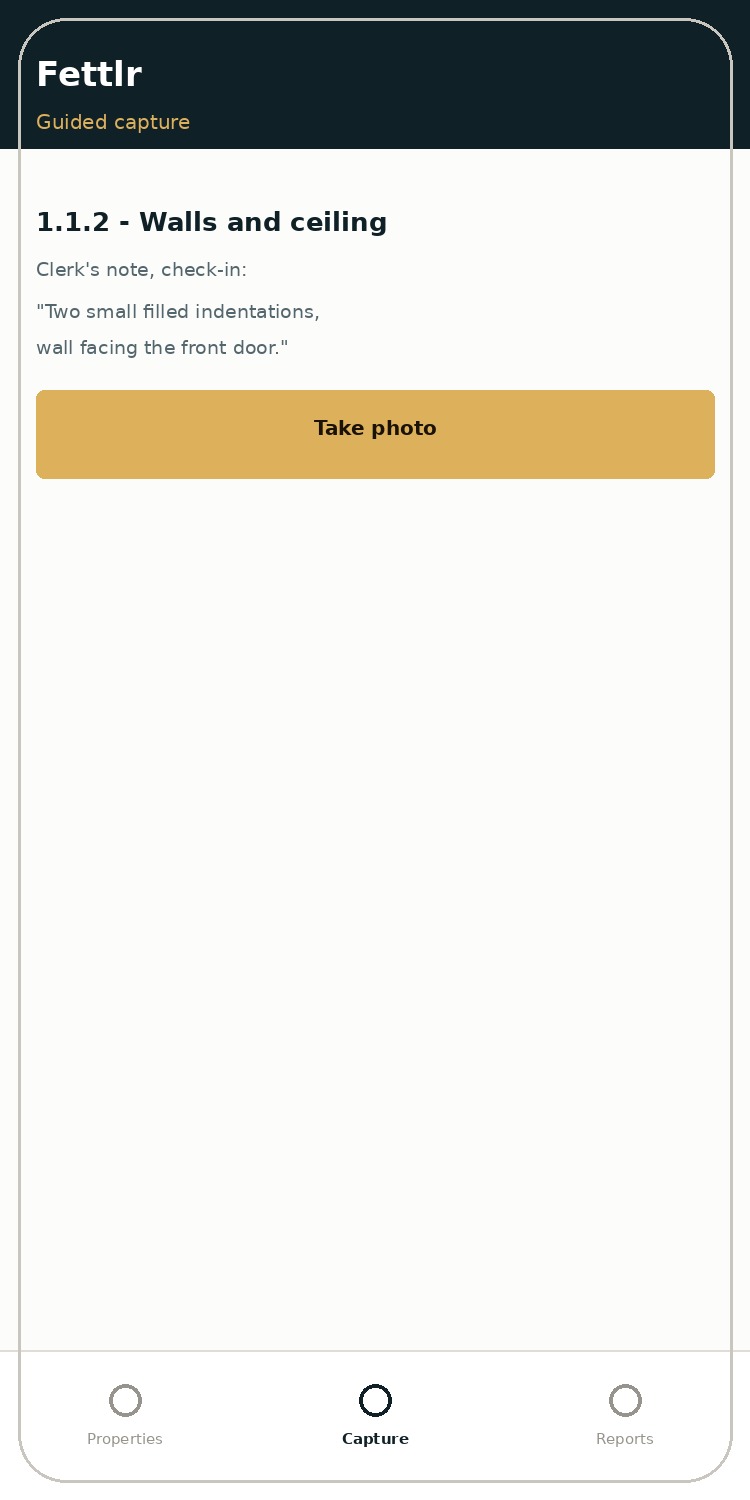
Guided captureThe original wording, one item at a time.
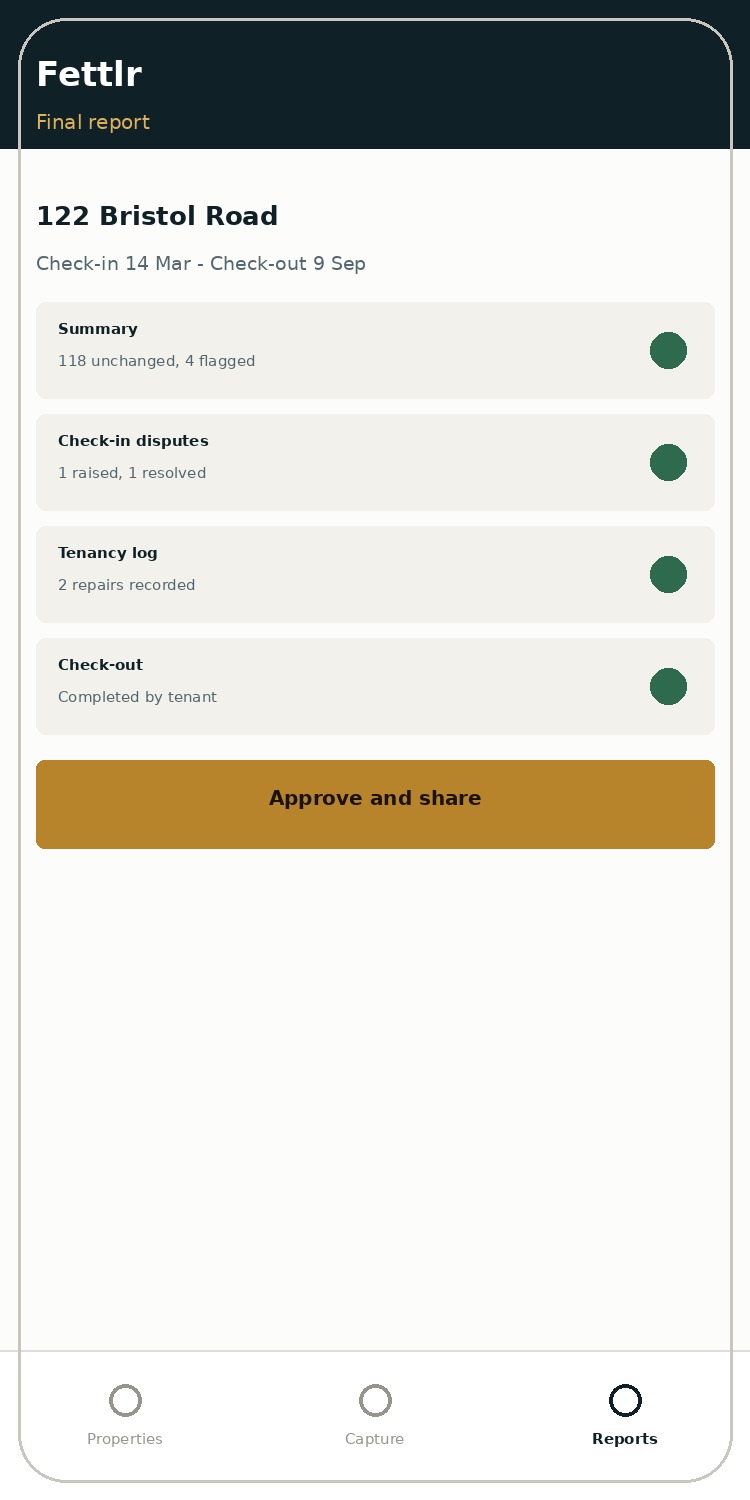
Final reportEverything together, ready to approve.
What it doesn't change.
- Your inventory platform, if you use one - Fettlr reads its output and leaves it alone
- Your CRM - no integration to build, no data to sync
- Who holds the deposit or where the burden of proof sits
No deposit scheme formally endorses any app. What carries weight at adjudication is evidence that's dated, complete, unedited and tied to the same reference numbers the claim is made against - which is what this process produces at every stage.
Try it against a real schedule.
Send a check-in PDF with the address removed and we'll run it through.